Application Architecture
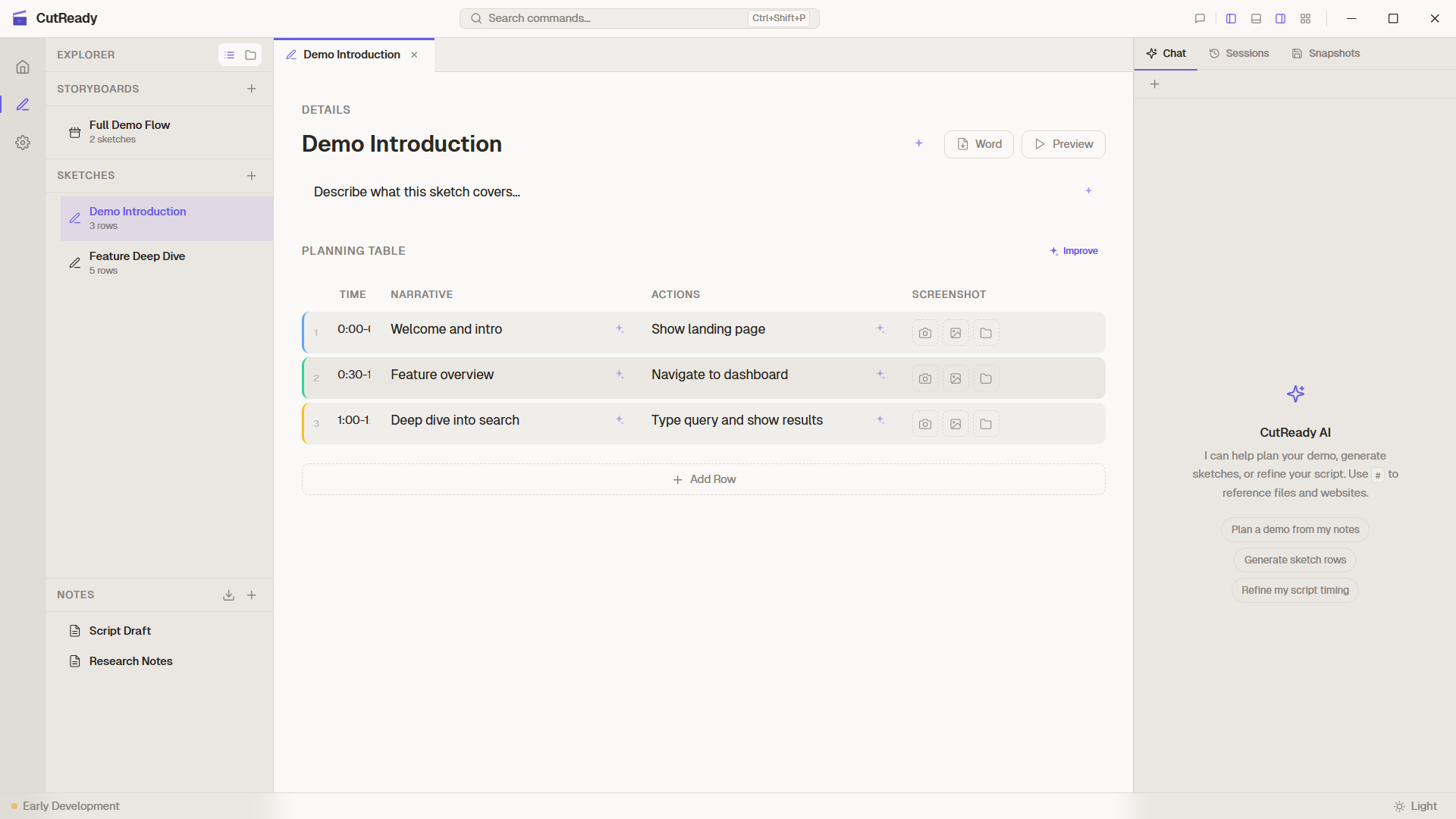
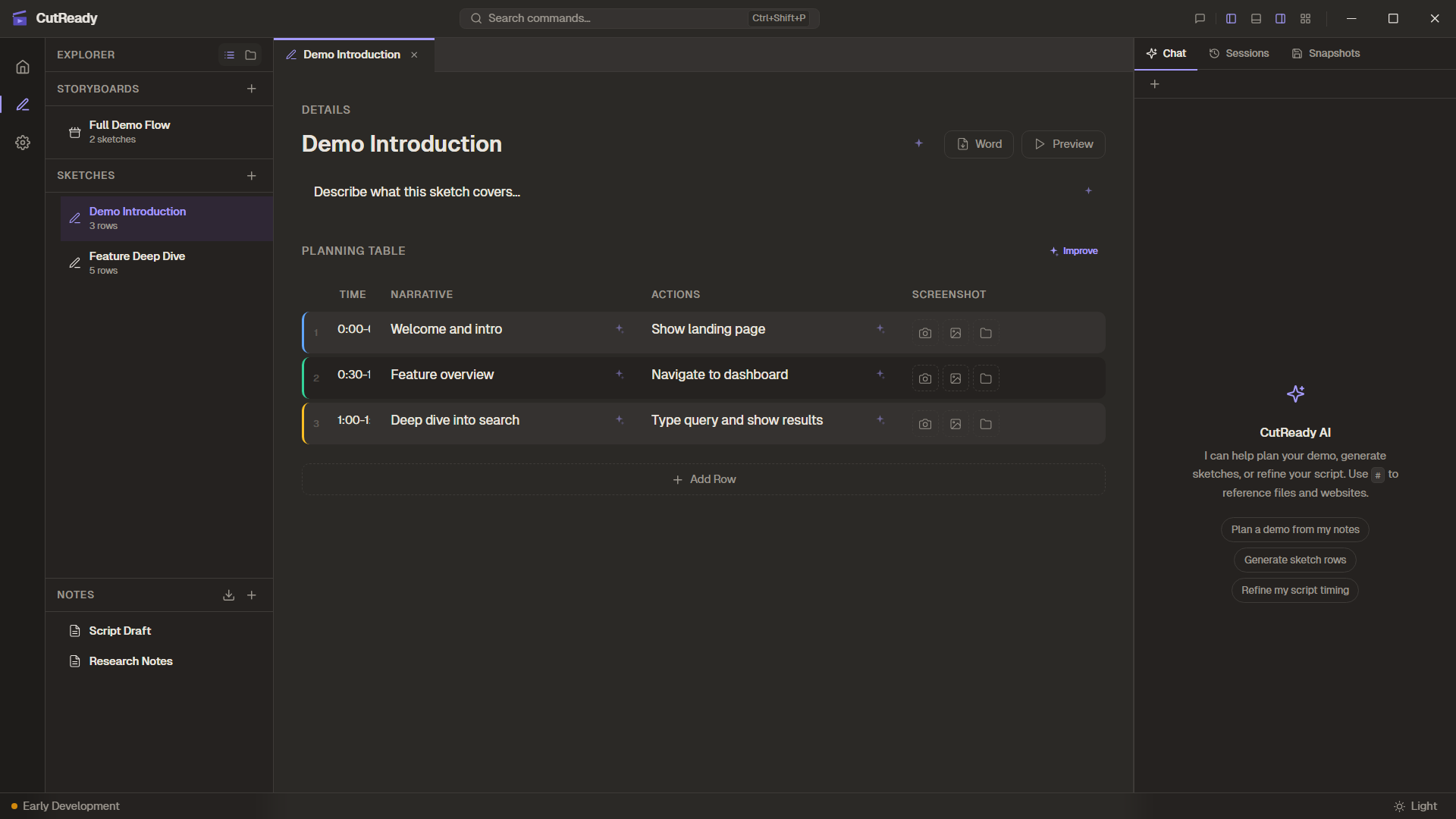
High-Level Architecture
Section titled “High-Level Architecture”CutReady is a Tauri v2 desktop application with a split architecture:
┌─────────────────────────────────────────────────────────┐│ CutReady Desktop App │├─────────────────────────┬───────────────────────────────┤│ Frontend (WebView) │ Backend (Rust) ││ │ ││ React 19 + TypeScript │ Tauri Commands ││ Zustand State Store │ ├── project.rs ││ Tailwind CSS │ ├── sketch.rs ││ CodeMirror │ ├── storyboard.rs ││ @dnd-kit │ ├── note.rs ││ │ ├── interaction.rs ││ │ ├── screenshot.rs ││ │ ├── import.rs ││ │ ├── agent.rs ││ │ └── versioning.rs ││ │ ││ │ AI Layer ││ │ └── Azure OpenAI (reqwest) ││ │ ││ │ Sidecar ││ │ └── Playwright (Node.js) │├─────────────────────────┴───────────────────────────────┤│ Tauri v2 Runtime ││ (WebView + Rust + IPC Bridge) │└─────────────────────────────────────────────────────────┘Frontend
Section titled “Frontend”The frontend is a React 19 single-page application bundled with Vite:
| Technology | Purpose |
|---|---|
| React 19 | UI component framework |
| TypeScript | Type-safe frontend code |
| Zustand | Centralized state management |
| Tailwind CSS | Utility-first styling |
| CodeMirror | Markdown editing (notes) |
| @dnd-kit | Drag-and-drop (storyboard list, table rows) |
| react-markdown | Markdown preview rendering |
State Management
Section titled “State Management”All application state flows through a single Zustand store (appStore.ts):
- Project state (current project, recent list)
- Document state (sketches, storyboards, notes)
- UI state (sidebar, tabs, panels, theme)
- Recording state (profiles, active session)
- Version history (snapshots, timeline, dirty flags)
The store dispatches Tauri commands to the Rust backend for all filesystem and system operations.
Backend (Rust)
Section titled “Backend (Rust)”The Rust backend handles:
Commands Layer (src/commands/)
Section titled “Commands Layer (src/commands/)”| Module | Responsibility |
|---|---|
project.rs | Project CRUD, recent projects, sidebar persistence |
sketch.rs | Sketch document CRUD, list summaries |
storyboard.rs | Storyboard CRUD, sketch ordering |
note.rs | Markdown note CRUD |
interaction.rs | Browser profile detection, recording sessions |
screenshot.rs | Monitor detection, screen/region capture |
import.rs | Document import (docx, pdf, pptx conversion) |
agent.rs | AI chat and agent commands |
versioning.rs | Snapshot save/restore, timeline, stash |
Engine Layer (src/engine/)
Section titled “Engine Layer (src/engine/)”Lower-level implementations:
- interaction.rs — CDP browser communication, Playwright sidecar management
- screenshot.rs — Native screen capture via
xcapcrate - versioning.rs — Git operations via
gix(gitoxide)
AI Layer
Section titled “AI Layer”CutReady integrates with Azure OpenAI for AI-powered features:
- API communication via
reqwestwith configurable endpoints and OAuth support - Function calling for structured sketch manipulation (add rows, update fields)
- Streaming responses delivered to the frontend via Tauri channels
- Silent mode for sparkle buttons — results are applied directly without chat UI
The AI layer supports 3 built-in agents (Script Writer, Demo Planner, Sketch Improver) plus user-defined custom agents.
Models Layer (src/models/)
Section titled “Models Layer (src/models/)”Shared data types:
- action.rs — Tagged union of browser/native actions
- script.rs — Script rows with metadata
- session.rs — Recording session with captured actions
- sketch.rs — Sketch, Storyboard, VersionEntry, GraphNode
Playwright Sidecar
Section titled “Playwright Sidecar”Browser automation runs in a Node.js sidecar process managed by Tauri:
- The Rust backend spawns a Playwright Node.js process
- Communication happens over stdio (JSON messages)
- The sidecar connects to Chrome/Edge via CDP (Chrome DevTools Protocol)
- Actions are streamed back to the Rust backend in real-time
This architecture isolates browser automation from the main process, preventing UI freezes during recording.
Cross-Platform Support
Section titled “Cross-Platform Support”| Feature | Windows | macOS | Linux |
|---|---|---|---|
| UI & Navigation | ✅ | ✅ | ✅ |
| Sketch Editor | ✅ | ✅ | ✅ |
| Screen Capture | ✅ | ✅ | ✅ (PipeWire) |
| Browser Recording | ⚠️ Experimental | 🚧 | 🚧 |
| Version History | ✅ | ✅ | ✅ |
Build & Release
Section titled “Build & Release”CutReady uses GitHub Actions for automated cross-platform builds:
- macOS — ARM (Apple Silicon) + Intel (x86_64) builds
- Windows — MSI + NSIS installers
- Linux — DEB + AppImage packages (Ubuntu 24.04)
Releases are triggered by pushing a v* git tag and create draft GitHub
releases with all platform artifacts.