Demo Production Workflow
CutReady provides a structured workflow for planning, versioning, collaborating on, and experimentally recording demo videos. The current release focuses on the planning and collaboration phases, with recording available behind a feature flag and automated replay/export still planned.
Current Workflow
Section titled “Current Workflow”Plan
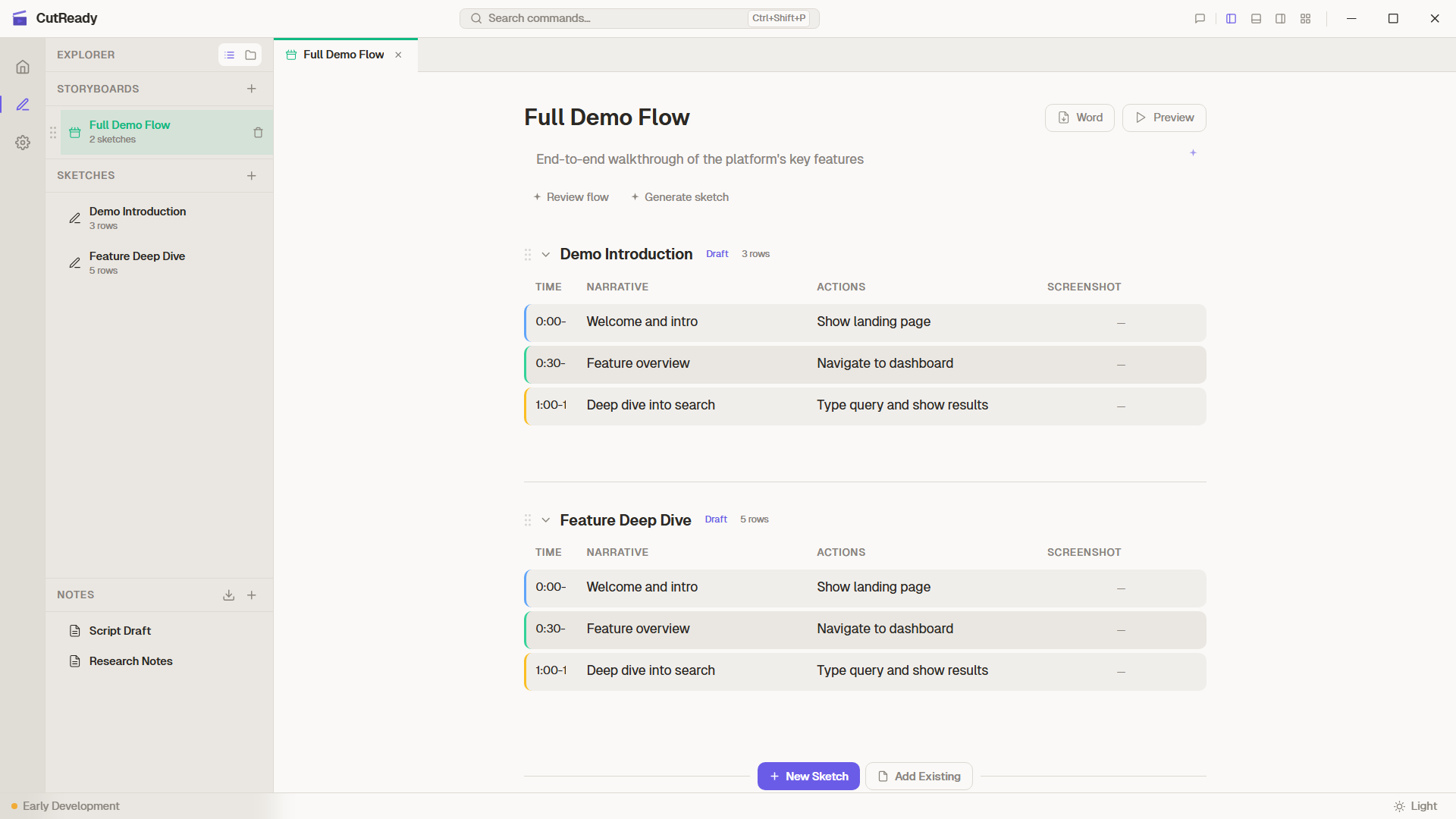
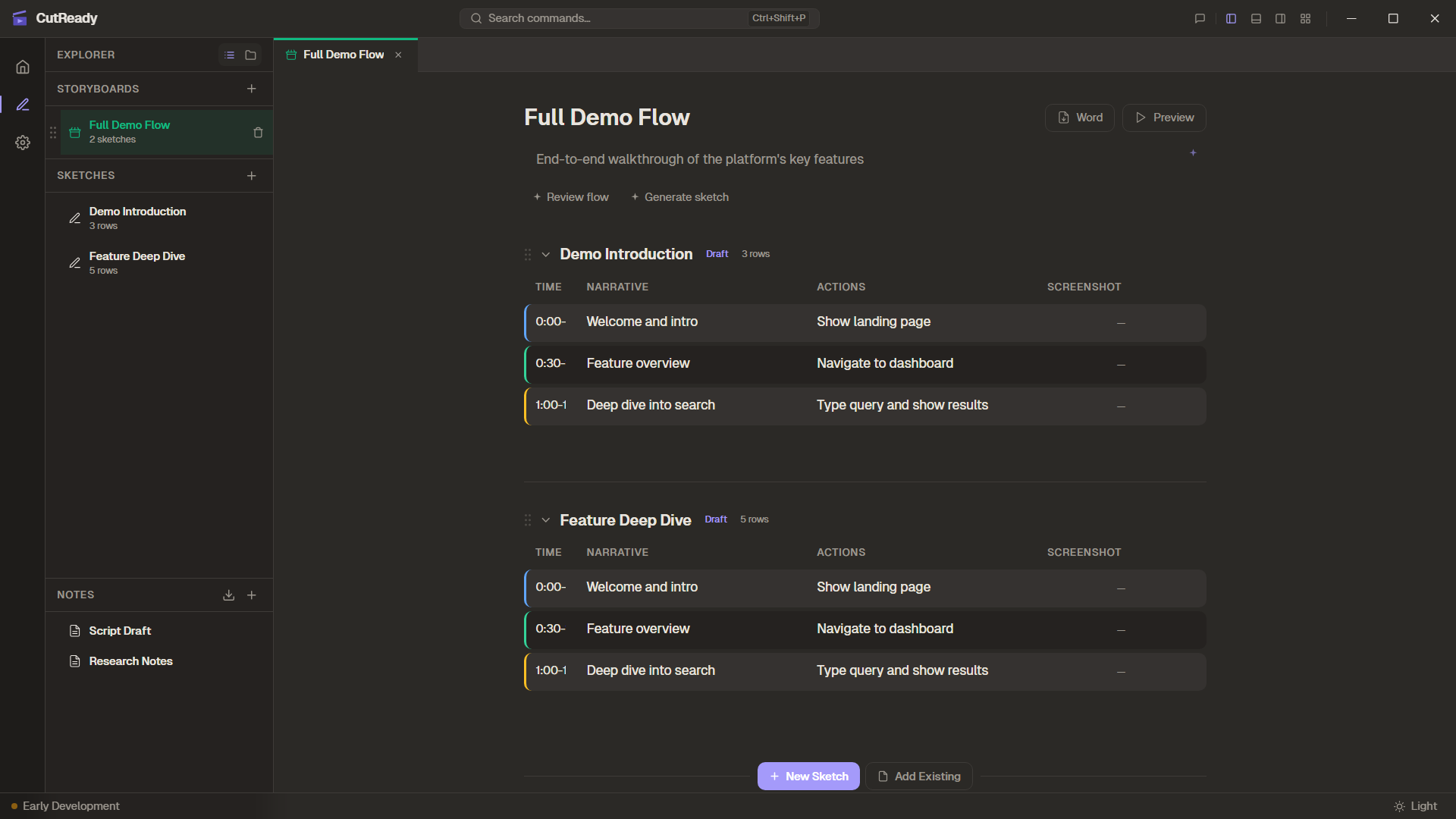
Build sketches with narrative, actions, and reference screenshots.
Organise
Group sketches into storyboards and arrange the demo flow.
Iterate
Use AI assistants and sparkle buttons to refine your content.
Version
Save snapshots, branch timelines, and merge changes.
Share
Push to a GitHub remote so teammates can review and contribute.
Phase 1: Plan Available
Section titled “Phase 1: Plan ”- Create a new project folder (or open an existing one)
- Import reference documents — Word, PDF, or PowerPoint become markdown notes
- Add sketches with the 4-column planning table (Time, Narrative, Actions, Screenshot)
- Capture reference screenshots for each step
- Use AI chat or sparkle buttons to generate and refine planning rows
- Organise sketches into storyboards for multi-section demos
Key features: Sketch Editor, Notes & Markdown, Storyboard Management, AI-Assisted Workflow, Importing Materials
Phase 2: Version & Collaborate Available
Section titled “Phase 2: Version & Collaborate ”CutReady uses Draftline to track every versioned content change. You can branch, merge, and sync without leaving the app or running git commands.
- Save snapshots —
Ctrl+Ssaves the current state with a message - Create timelines — Branch off to explore alternatives without losing your original
- Switch timelines — Jump between branches using the timeline selector
- Merge changes — Three-way merge engine handles sketch fields and note lines
- Resolve conflicts — Side-by-side conflict UI for the cases where auto-merge can’t decide
- Review history — Visual history graph shows branches, merges, and contributors
- Push to GitHub — Sync your project via HTTPS or SSH so teammates can collaborate
Key features: Version History, Merging, History Graph, Remote Sync
Phase 3: Record Experimental
Section titled “Phase 3: Record ”This phase currently supports experimental capture paths:
- Launch Chrome or Edge with your existing profile and sessions
- Record clicks, typing, navigation, and scrolling as ActionCards
- Start screen/camera/audio takes from a sketch or storyboard
- Use the teleprompter window to read sketch-row narration while recording
- Store large recording assets under
.cutready/recordings/as local-only files
Phase 4: Produce & Export Planned
Section titled “Phase 4: Produce & Export ”Future releases will complete the pipeline:
- Replay — Execute the finalised action sequence in a controlled browser
- Package — Promote local recording assets into an edit-ready output folder
- Export — Generate FCPXML 1.9 timelines for DaVinci Resolve with chapter markers aligned to sketch rows