Document Import
CutReady can import external documents into your project, making it easy to bring in existing slide decks, scripts, reference materials, and CutReady files from other projects without manual copy-paste.
Supported Formats
Section titled “Supported Formats”| Format | Extension | Import Result |
|---|---|---|
| Sketch | .sk | Imported as a sketch file in the project |
| Storyboard | .sb | Imported as a storyboard file in the project |
| Markdown | .md | Imported as a note in the project |
| Word (modern) | .docx | Full extraction — headings, paragraphs, embedded images → note |
| Word (legacy) | .doc | Text extraction fallback (binary format) → note |
.pdf | Text extraction via pdf-extract → note | |
| PowerPoint | .pptx | Slides → sections with headings, body text, speaker notes, images → note |
How to Import
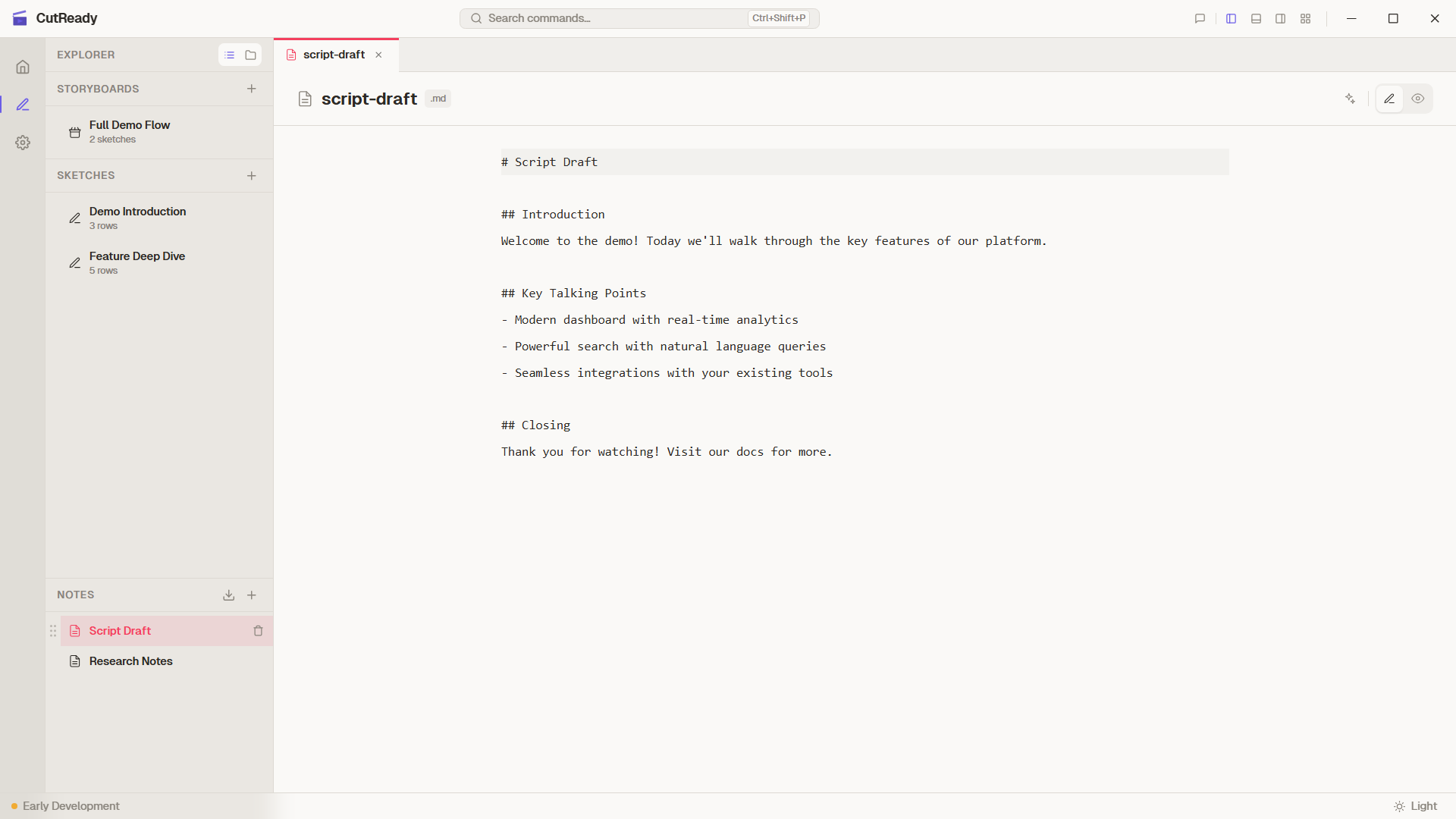
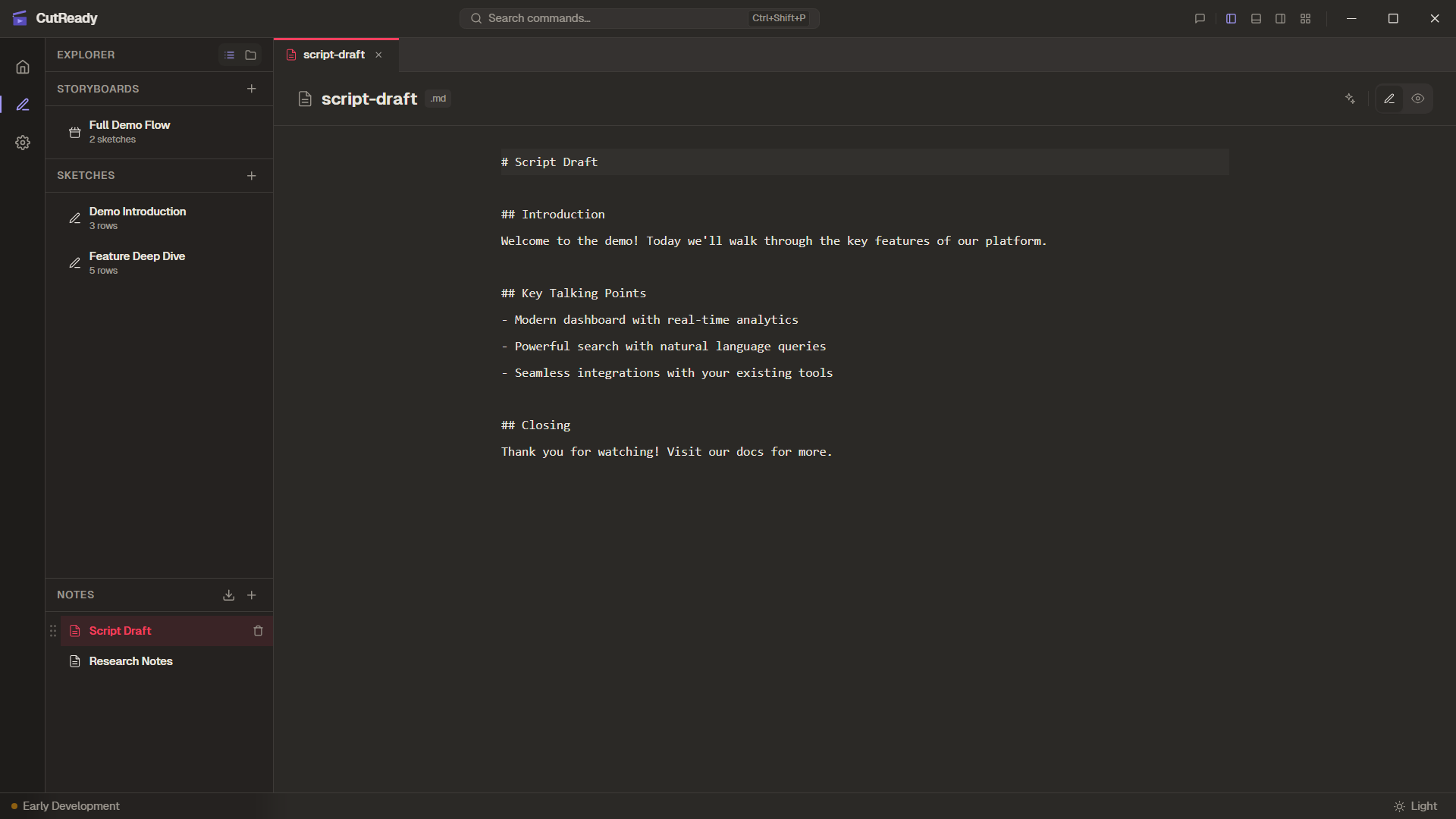
Section titled “How to Import”Click the Import button in the Explorer header at the top of the sidebar tree view. A file picker opens where you can select one or more supported files. CutReady processes each file according to its type:
.sk,.sb,.mdfiles are copied directly into the project.docx,.doc,.pdf,.pptxfiles are converted to markdown notes
Handling Duplicates
Section titled “Handling Duplicates”When importing a .sk, .sb, or .md file that already exists in the
project, CutReady shows a conflict dialog with three options:
- Overwrite — replace the existing file with the imported version
- Keep Both — import with a numbered suffix (e.g.,
sketch-1.sk) - Cancel — skip this file and continue with other imports
Referenced assets (screenshots and visuals) are always copied alongside the imported file to ensure nothing is broken.
Format-Specific Conversion
Section titled “Format-Specific Conversion”Word Documents (.docx)
Section titled “Word Documents (.docx)”Modern Word documents are fully parsed:
- Headings are converted to markdown heading levels (
#,##, etc.) - Paragraphs become standard markdown text
- Embedded images are extracted, saved to the project directory, and referenced with markdown image syntax
- Bold, italic, and list formatting is preserved
Legacy Word Documents (.doc)
Section titled “Legacy Word Documents (.doc)”The older binary .doc format has limited support:
- Text content is extracted as plain paragraphs
- Formatting and images are not preserved
- This is a best-effort fallback for legacy documents
PDF Files (.pdf)
Section titled “PDF Files (.pdf)”PDF import extracts readable text content:
- Text is extracted page-by-page using the pdf-extract crate
- Layout-dependent formatting (columns, tables) may not convert perfectly
- Scanned/image-based PDFs require OCR (not currently supported)
PowerPoint Presentations (.pptx)
Section titled “PowerPoint Presentations (.pptx)”Slide decks receive the richest conversion:
- Each slide becomes a section in the output note
- Slide titles become markdown headings
- Body text is extracted as paragraphs
- Speaker notes are included below each slide’s content
- Embedded images are extracted and saved to the project directory
Image Extraction
Section titled “Image Extraction”When a document contains embedded images (Word or PowerPoint), CutReady:
- Extracts each image from the document archive
- Saves it to the project’s screenshot directory
- Inserts a markdown image reference in the generated note
Images are named with a prefix matching the source document for easy identification.
DRM-Protected Documents
Section titled “DRM-Protected Documents”Some documents may have DRM protection or restricted permissions that prevent programmatic extraction. When CutReady detects a protected document:
- A warning is displayed explaining the restriction
- A clipboard fallback workflow is offered — copy the content manually and paste it into a new note
- No content is extracted without proper permissions
Backend Commands
Section titled “Backend Commands”Document import is handled by dedicated Tauri commands:
| Command | Format |
|---|---|
import_file | Sketch (.sk), storyboard (.sb), and markdown (.md) files |
import_docx | Word documents (.docx and .doc) |
import_pdf | PDF files |
import_pptx | PowerPoint presentations |
Each command accepts a file path and the current project path, processes the document, and returns the generated markdown content along with any extracted image paths.
Word Export
Section titled “Word Export”CutReady can also export your project documents to Word format (.docx):
- Export sketches, storyboards, and notes to a
.docxfile - Screenshots and images are rendered inline in the document
- The exported file auto-opens after creation
- Useful for sharing demo plans with stakeholders who prefer Word