Sparkle Buttons
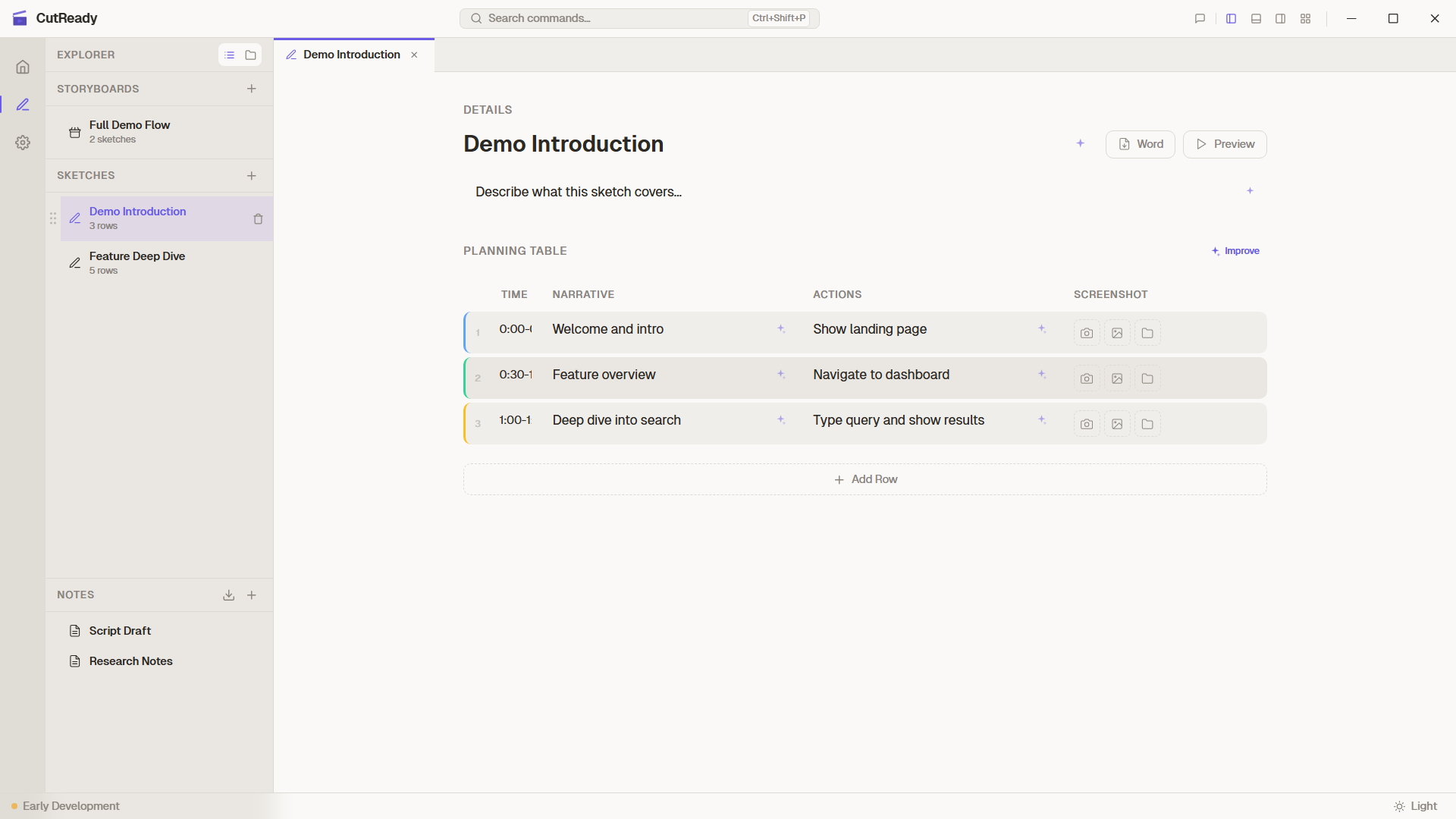
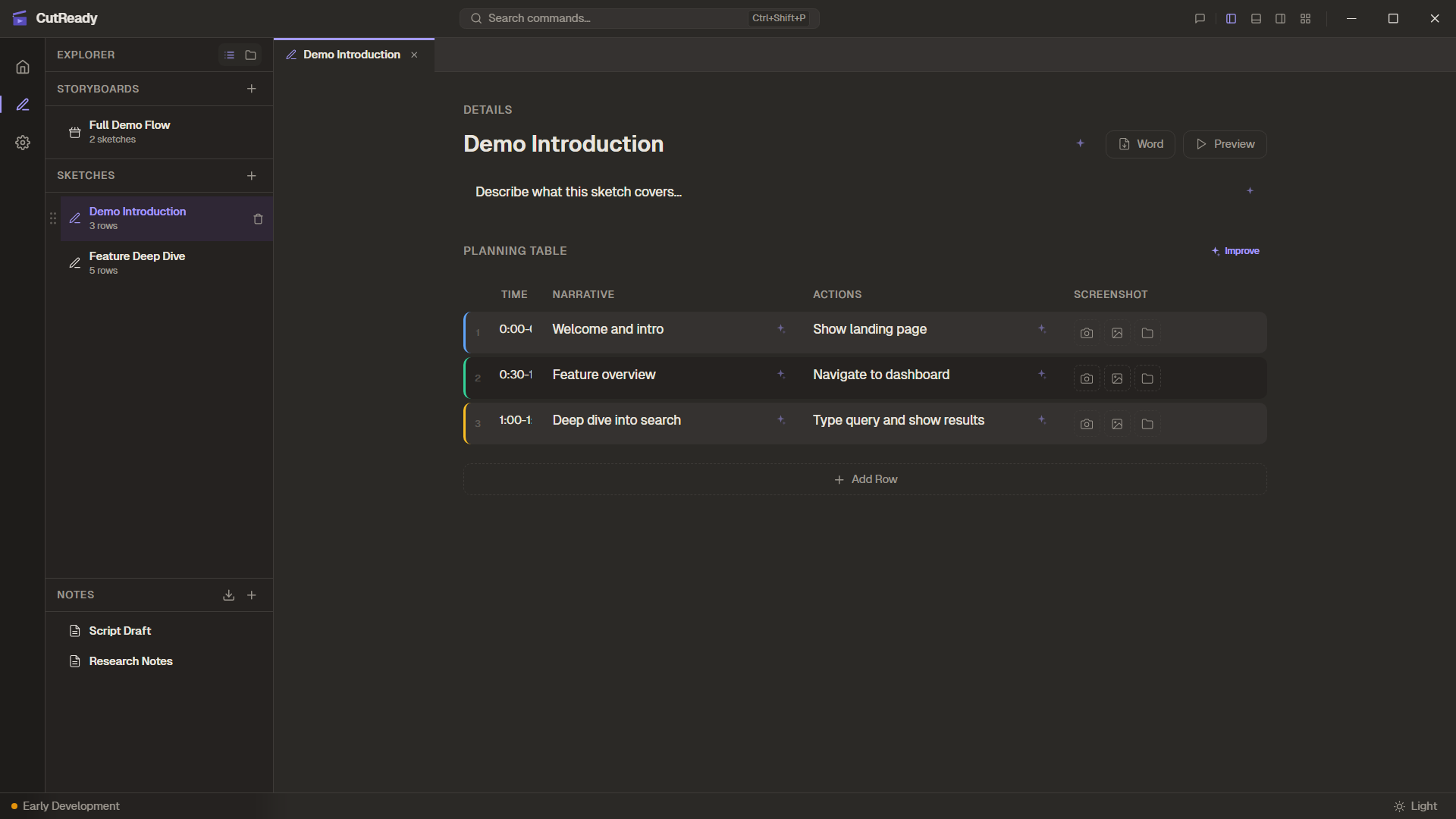
Sparkle buttons (✨) provide one-click AI improvements without opening the chat panel or writing a prompt. They appear throughout the Sketch Editor on fields that benefit from AI enhancement.
Where Sparkle Buttons Appear
Section titled “Where Sparkle Buttons Appear”You’ll find ✨ buttons on three areas of the sketch form:
| Location | What it improves |
|---|---|
| Title field | Rewrites the sketch title to be clear and descriptive |
| Description field | Enhances the sketch description with better context |
| Planning table | Generates or improves planning rows (see below) |
Individual table cells (narrative and demo actions) also have sparkle buttons for targeted improvements.
How It Works
Section titled “How It Works”When you click a sparkle button, CutReady sends a silent prompt to the AI
using sendChatPrompt() with the silent: true flag. This means:
- The prompt and response don’t appear in the chat panel
- The update is applied directly to the field
- The action is logged in the Activity Panel for transparency
- The edit is scoped — only the targeted field is modified
This keeps your chat history clean while still giving you full visibility into what the AI changed.
Planning Table Sparkle
Section titled “Planning Table Sparkle”The sparkle button on the planning table has dual behavior depending on the current state:
Empty Table
Section titled “Empty Table”If the planning table has no rows, clicking ✨ generates a complete sketch plan. The AI reads the title and description, then creates a full set of planning rows with time estimates, narrative text, and demo actions.
Populated Table
Section titled “Populated Table”If the table already has rows, clicking ✨ improves all existing rows. The AI refines narrative language, clarifies demo actions, and adjusts timing — but preserves the overall structure and intent.
Cell-Level Sparkle
Section titled “Cell-Level Sparkle”Individual cells in the narrative and demo actions columns have their own sparkle buttons. These make targeted improvements to a single cell:
- Narrative cells — Improves voiceover language, pacing, and clarity
- Demo action cells — Clarifies action descriptions and adds missing detail
Cell-level sparkle updates only the targeted cell, leaving the rest of the row untouched.
Activity Panel Integration
Section titled “Activity Panel Integration”All sparkle actions are logged in the Activity Panel with details about:
- Which field or cell was updated
- The AI prompt that was generated
- The result of the operation
This gives you an audit trail of every AI-assisted change, even though sparkle actions are silent in the chat.