Demo Production Workflow
CutReady provides a structured workflow for planning, versioning, and collaborating on demo videos. The current release (v0.5.0) focuses on the planning and collaboration phases, with automated recording and production coming in future releases.
Current Workflow
Section titled “Current Workflow”Plan
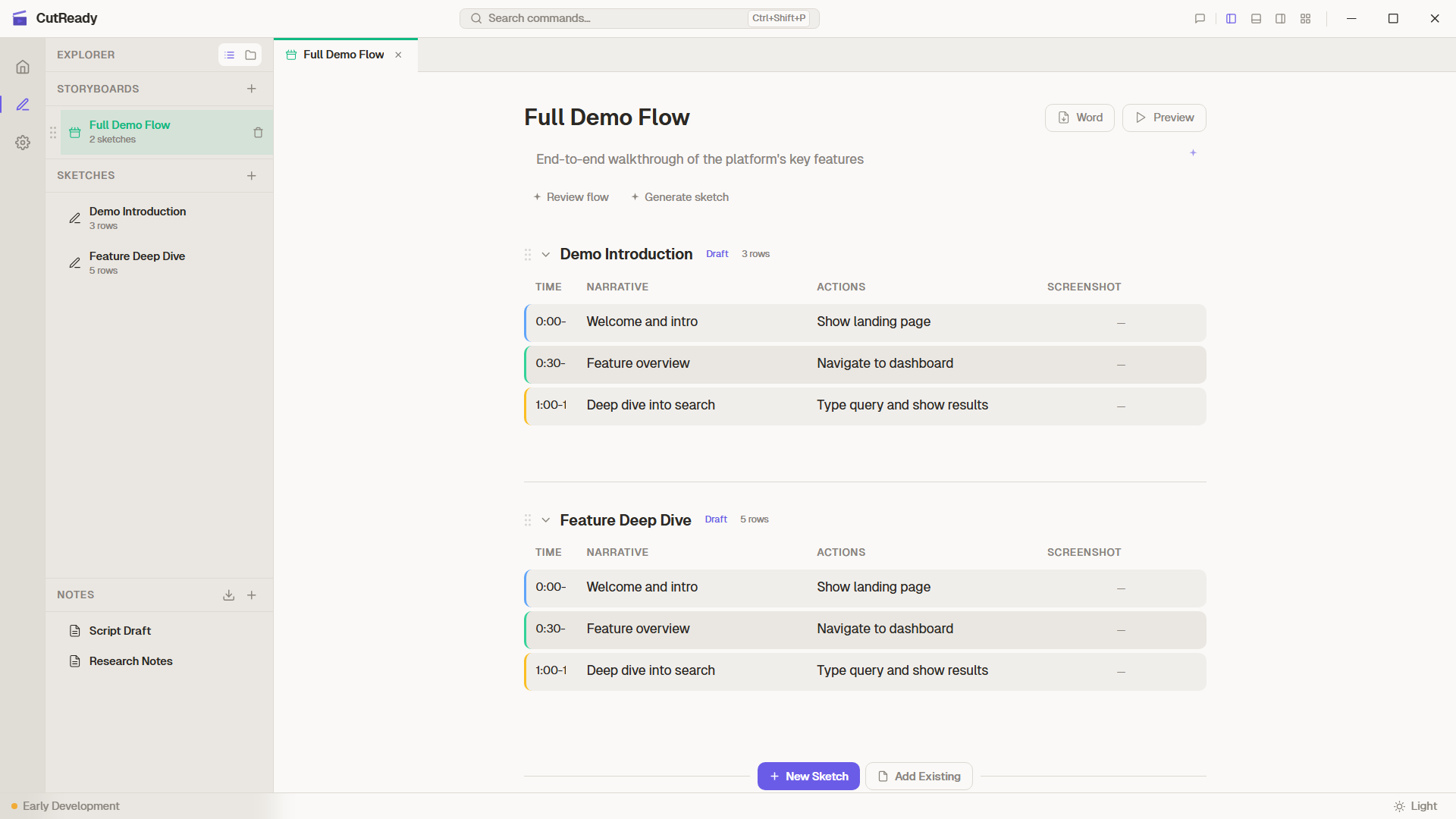
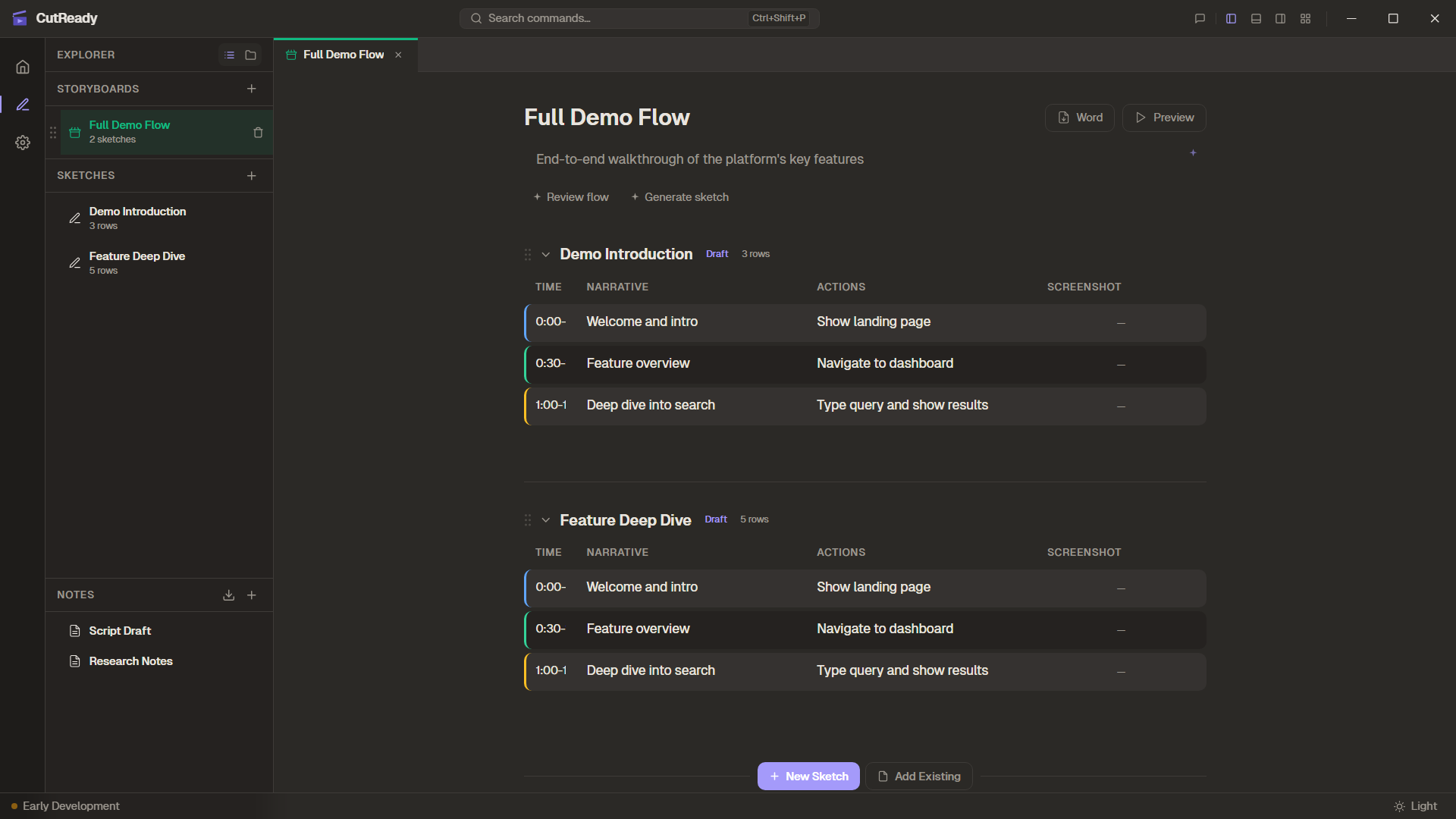
Build sketches with narrative, actions, and reference screenshots.
Organise
Group sketches into storyboards and arrange the demo flow.
Iterate
Use AI assistants and sparkle buttons to refine your content.
Version
Save snapshots, branch timelines, and merge changes.
Share
Push to a GitHub remote so teammates can review and contribute.
Phase 1: Plan Available
Section titled “Phase 1: Plan ”- Create a new project folder (or open an existing one)
- Import reference documents — Word, PDF, or PowerPoint become markdown notes
- Add sketches with the 4-column planning table (Time, Narrative, Actions, Screenshot)
- Capture reference screenshots for each step
- Use AI chat or sparkle buttons to generate and refine planning rows
- Organise sketches into storyboards for multi-section demos
Key features: Sketch Editor, Notes & Markdown, Storyboard Management, AI-Assisted Workflow, Importing Materials
Phase 2: Version & Collaborate Available
Section titled “Phase 2: Version & Collaborate ”CutReady uses a built-in Git engine (gix + git2) to track every change. You can branch, merge, and sync without leaving the app.
- Save snapshots —
Ctrl+Scommits the current state with a message - Create timelines — Branch off to explore alternatives without losing your original
- Switch timelines — Jump between branches using the timeline selector
- Merge changes — Three-way merge engine handles sketch fields and note lines
- Resolve conflicts — Side-by-side conflict UI for the cases where auto-merge can’t decide
- Review history — Visual history graph shows branches, merges, and contributors
- Push to GitHub — Sync your project via HTTPS or SSH so teammates can collaborate
Key features: Version History, Merging, History Graph, Remote Sync
Phase 3: Record Coming Soon
Section titled “Phase 3: Record ”This phase will add automated capture of browser interactions:
- Launch Chrome or Edge with your existing profile and sessions
- Record clicks, typing, navigation, and scrolling as ActionCards
- Choose free-form recording or step-by-step mode guided by sketch rows
- Review and re-record individual steps
Phase 4: Produce & Export Planned
Section titled “Phase 4: Produce & Export ”Future releases will complete the pipeline:
- Replay — Execute the finalised action sequence in a controlled browser
- Capture — Record lossless video (FFV1/MKV) and separate audio tracks via FFmpeg
- Export — Generate FCPXML 1.9 timelines for DaVinci Resolve with chapter markers aligned to sketch rows